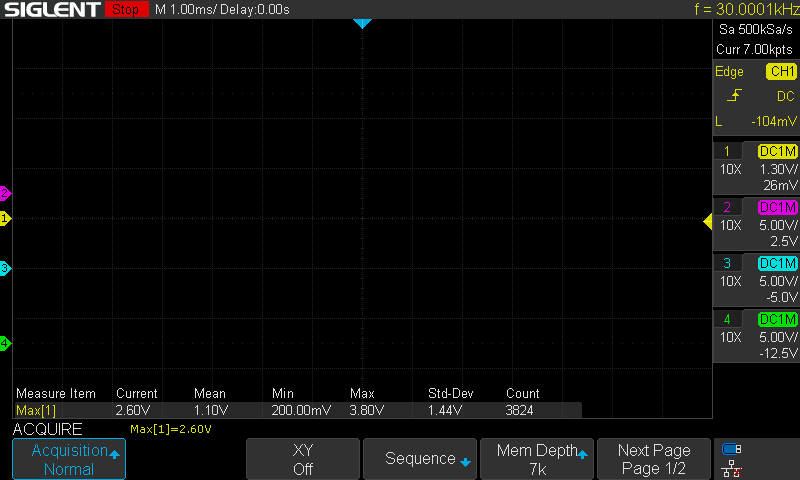
Talking to the SDS1204X-E over USB from a Mac
Siglent doesn’t ship a Mac app for the SDS1204X-E and the Windows one isn’t much anyway. The scope has a USB device port that enumerates as USBTMC, so I wanted to see how far libusb alone would get me before committing to a real app.
What I tried
Plugged it in. macOS has no USBTMC driver, which turns out to be the good case: nothing grabs the interface, libusb claims it from user space, no kext. VID 0xF4EC, PID 0xEE38.
First attempt with python-usbtmc died on the first control transfer. pyvisa-py got *IDN? back. Then I wrote my own 80-line USBTMC framing in pyusb because pyvisa-py kept hanging on waveform reads, and that harness became the reference for the C++ transport later.
The command set is the old LeCroy-style short form, not the :TIMebase:SCALe tree. C1:VDIV 1.3V, TDIV 50NS, TRSE EDGE,SR,C1,HT,OFF. CHDR OFF first or every reply comes back with a header and units glued on.
What I measured
- 2.5 ms per short query, median. 70 queries in 0.3 s.
- 7 000 point waveform fetch: 81 ms. That’s 12 fps if you do nothing else.
- Full 7 M point record: 15.4 s. USB on this scope is full speed, 12 Mbit, about 500 KB/s real.
WFSU SP,5000,NP,1400gives 1 400 points spread across the whole 7 M record in 0.3 to 0.5 s. Sparsing only works if NP is also set, otherwise it’s ignored and you get the whole thing.PNSU?returns the entire panel setup as 88 KB of XML. Takes 12.8 s every time, so it’s a connect-time thing only.SCDPscreenshot: 768 067 byte BMP in 1.3 s.- 60 s stress of 20 queries plus 2 waveforms per round: 377 rounds, zero failures.
The volts formula checked out against the scope’s own measurement to the last digit: code × VDIV / 25 − OFST, 25 codes per division. Rising edge landed on sample 3500 of 7000, so the trigger point is dead center.
What broke or surprised me
- Bare
SANU?hangs the link.SANU? C1is fine. It’s on a denylist now. - The scope rejects USBTMC INITIATE_CLEAR and INITIATE_ABORT, which is what most libraries send when a read times out. That’s why they hang. Recovery is a USB port reset plus draining whatever is still in the pipe, about 1.5 s.
- It pads bulk-in transfers and sometimes ends them early. You read until the header’s byte count is satisfied and ignore the packet boundaries.
MSIZsilently ignores 14K/140K/1.4M/14M when three or four channels are on. Only the 7K series is valid then.- If you kill the app mid-transfer, the scope keeps streaming the rest of the record at the next program that opens it. My first C++ reader treated an all-zero header as “more coming” and looped forever. The Python harness never validated tags so it never noticed. Fixed with tag checking, a deadline on every read, and a drain on open.
Next
The app shell works: live 4-channel plot, run/stop/single/force, edge trigger panel, V/div and time/div, screenshot to the Desktop with Ctrl+S, and it follows the scope’s physical knobs within about a second by polling. It looks like a Qt example though. Next is making it look and work like the actual front panel.